 Code
Code Get for Mac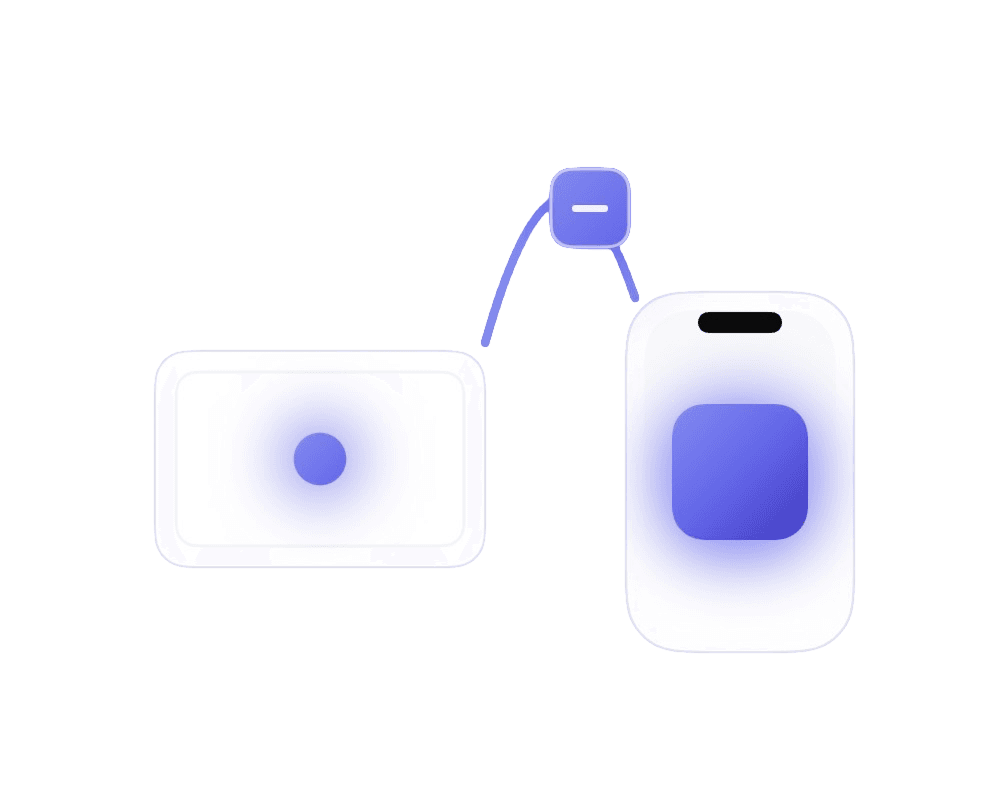
01
Code from your phone.
Open Claude Code remote control on your phone. Prompt it to write features, fix bugs, refactor — it codes on your Mac at home.
Vibecode iOS apps from anywhere.
Open Claude Code remote control on your phone. Prompt it to write features, fix bugs, refactor — it codes on your Mac at home.

When you want to see it running, open RemoBuild on your phone and tap Build. Your Mac compiles and packages the app.
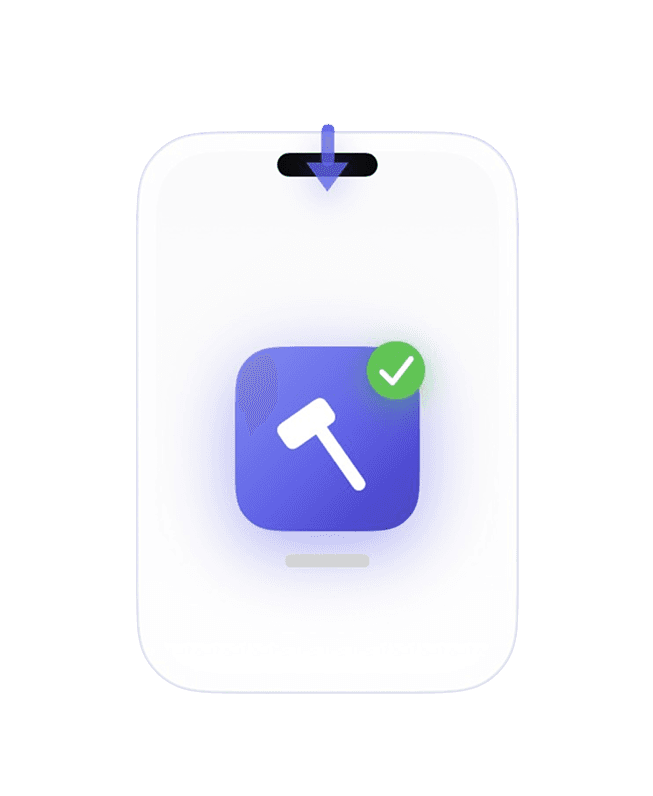
The build lands on your phone. Tap to install, test it out, then go back to prompting. The whole loop from your pocket.
The loop: Make Remote Changes, then Tap Build, then Direct Phone Install, then Test & Repeat, then repeat.
No USB. No TestFlight. No going back to your desk.
Just your phone and an idea.